What's new
RinkTally launched in September 2026, and it hasn't stood still. Here's everything we've added since, newest first. Most of it reached phones automatically, with no trip to the app store.
Last updated November 8, 2026
November 2026
Schedules that fill themselves in, and more for the goalie.
Import your schedule from a link
Paste the link to your team's online schedule or calendar. Your games appear, and they stay up to date when the schedule changes. Parents tracking on their own can do this for each of their player's teams.
- Coaches
- Parents
Stats by game type
Look at regular season, playoffs, tournaments or exhibitions on their own. Coaches can also choose which games count toward the team's record.
- Coaches
- Parents
- Family
Goalies get a proper record
Wins, losses and ties on one row, a game-by-game log, and scores in the goalie's trends. Coaches can say who's in net before the game, at the start, or afterward.
- Coaches
- Parents
- Family
A clearer picture for parents who watch
Home now leads with your team, and shows your child's numbers from the coach. A game-by-game log of your own child is included for free.
- Parents
More for family following along
See the team's upcoming games, and a player's last game and season in plain words.
- Family
See who's following
Parents and coaches can see followers by name, and remove anyone they don't recognize.
- Coaches
- Parents
Game-day reminders for whoever keeps the book
Coaches and scorekeepers can get a nudge to start tracking before the game.
- Coaches
Mark who's out
Note who's missing when you start a game or on its recap, so each player's games played stays accurate.
- Coaches
Career view in Trends
Every season side by side, in one table.
- Parents
Delete a finished game
Coaches can remove a game entered by mistake, right from its recap.
- Coaches
A friendlier first practice
One-time hints guide a new coach through a practice game, which now ends on a sample recap.
- Coaches
October 2026
A new look, goalie tracking, and help on the bench.
A fresh new look
The live game, recap, shot chart and parent tracking screens were all redesigned to be easier to read at the rink.
- Coaches
- Parents
Goalie tracking for parents
Tap Save, Save + Rebound or Goal Against, and get save percentage and goals-against average, with shots mapped on the net.
- Parents
Assistant coaches
Give another coach a view-only look at the whole team: every game, the stats, the roster and the schedule.
- Coaches
Share your player's game as an image
Skater and goalie cards made for the family group chat, and shared recaps can now include the shot map.
- Parents
Add a past game
Missed one, or tracking from video? Add it afterward, set the right date and time, and place the shots on the rink later.
- Parents
Fix a finished game
Coaches can add to and correct a game from its recap, including the details of the game itself.
- Coaches
More detail on every goal
Mark even-strength, power-play, shorthanded and empty-net goals.
- Coaches
Goalie changes mid-game
Record the switch when it happens, and each goalie's season numbers follow it.
- Coaches
- Parents
One player, several teams
Tracking on your own? Keep stats separately for each team your player is on.
- Parents
A test game for parents
Try one period on the real tracking screen before game day. Nothing is saved.
- Parents
One tap to undo
Every mistaken tap while tracking can be taken back right away.
- Parents
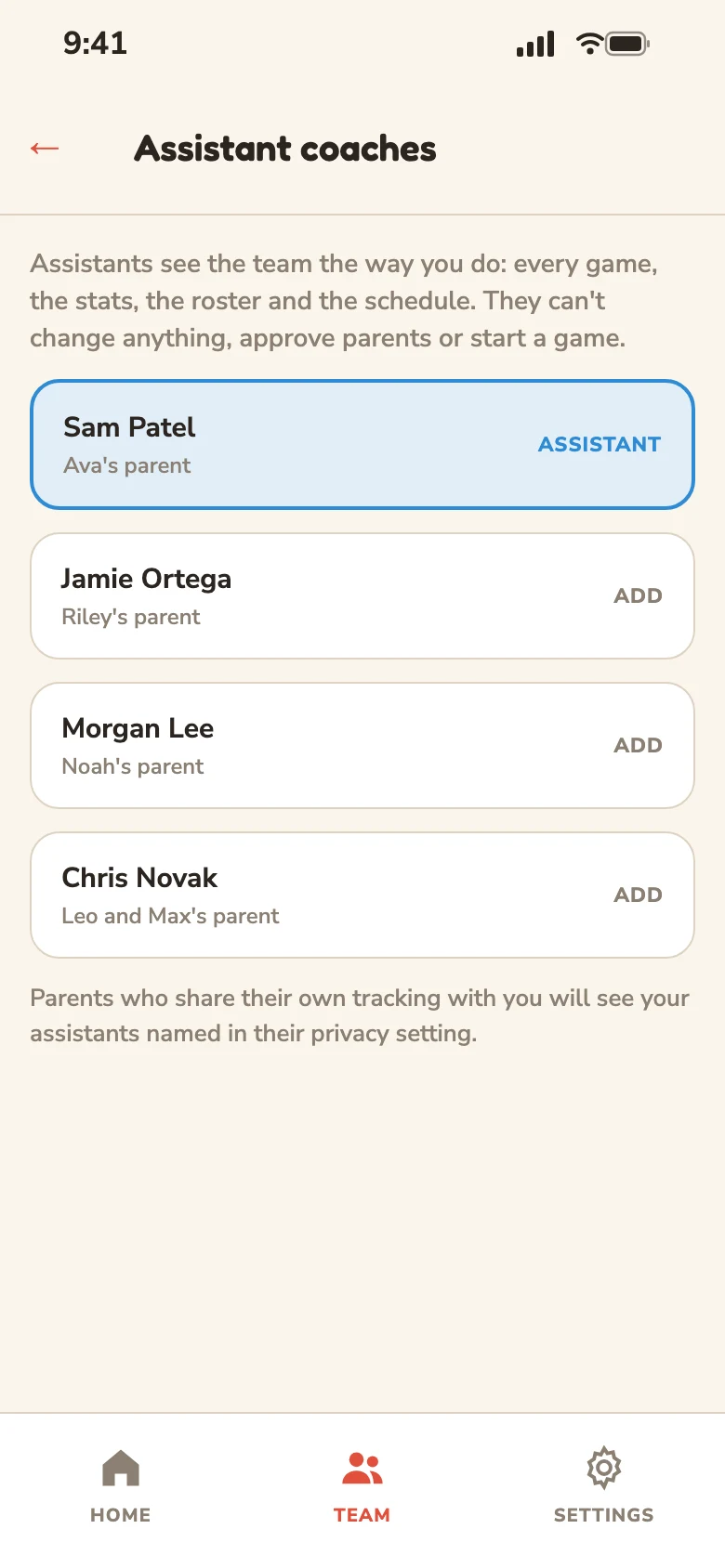
Assistant coaches
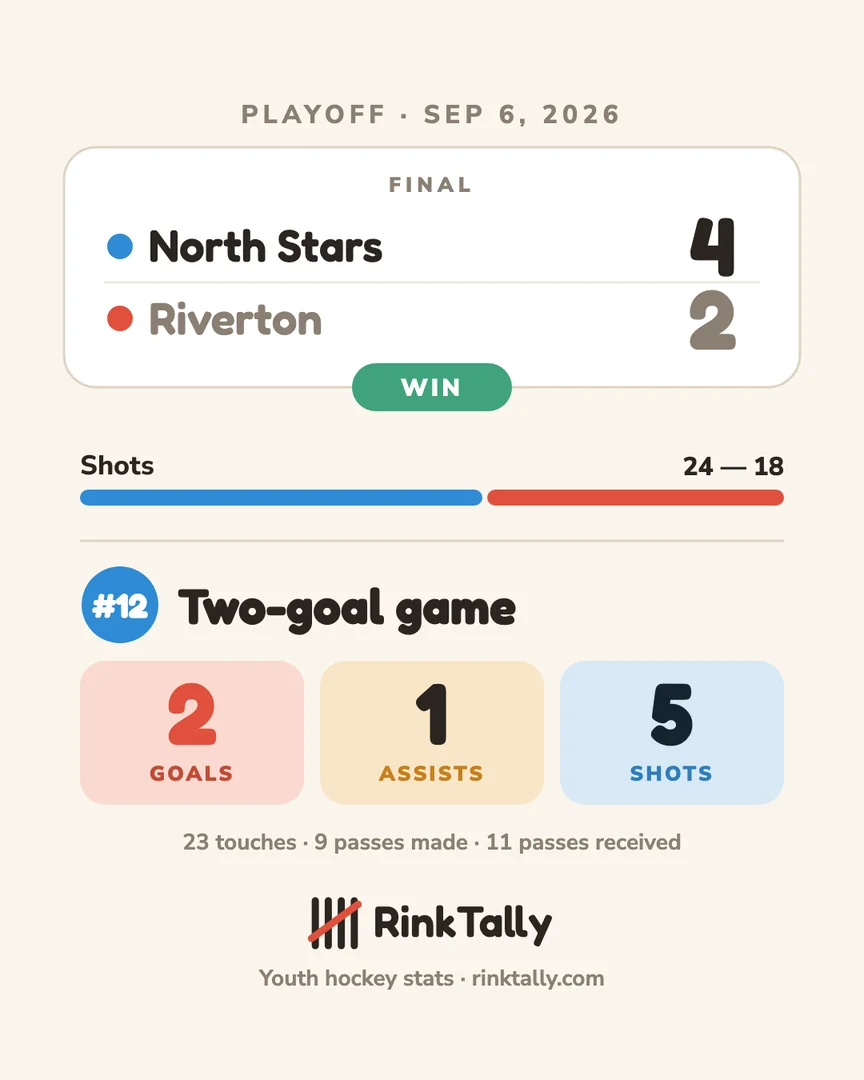
Player share card
September 2026
We launched, then made it sturdier at the rink.
Share a game as an image
Turn any finished game into a card you can post or send, or save it to your phone.
- Coaches
Scorekeepers
Hand stat entry to a parent for the season or a single game, and keep your eyes on the bench.
- Coaches
A reminder before each game
Parents and family can ask their phone to tell them an hour before puck drop.
- Parents
- Family
Built for rinks with no signal
A round of fixes so a game in progress survives a dropped connection, or the app being closed and reopened offline.
- Coaches
- Parents
Quicker shootouts
Goal or miss is always one tap, naming the shooter is optional, and parents can record their own player's attempts.
- Coaches
- Parents
Period summaries
See how each period went at the break and when the game ends.
- Coaches
Invite parents with a code
One simple code to bring a parent onto the team.
- Coaches
- Parents
Practice before the real thing
Run a practice game on the actual live game screen.
- Coaches
Goals-only shot tracking
Map just the goals if every shot is too much, and add every shot when you want it.
- Coaches
- Parents
Both parents, one history
Two parents linked to the same player now share that player's tracking history.
- Parents
Add the whole roster at once
Enter several players in one go instead of one at a time.
- Coaches
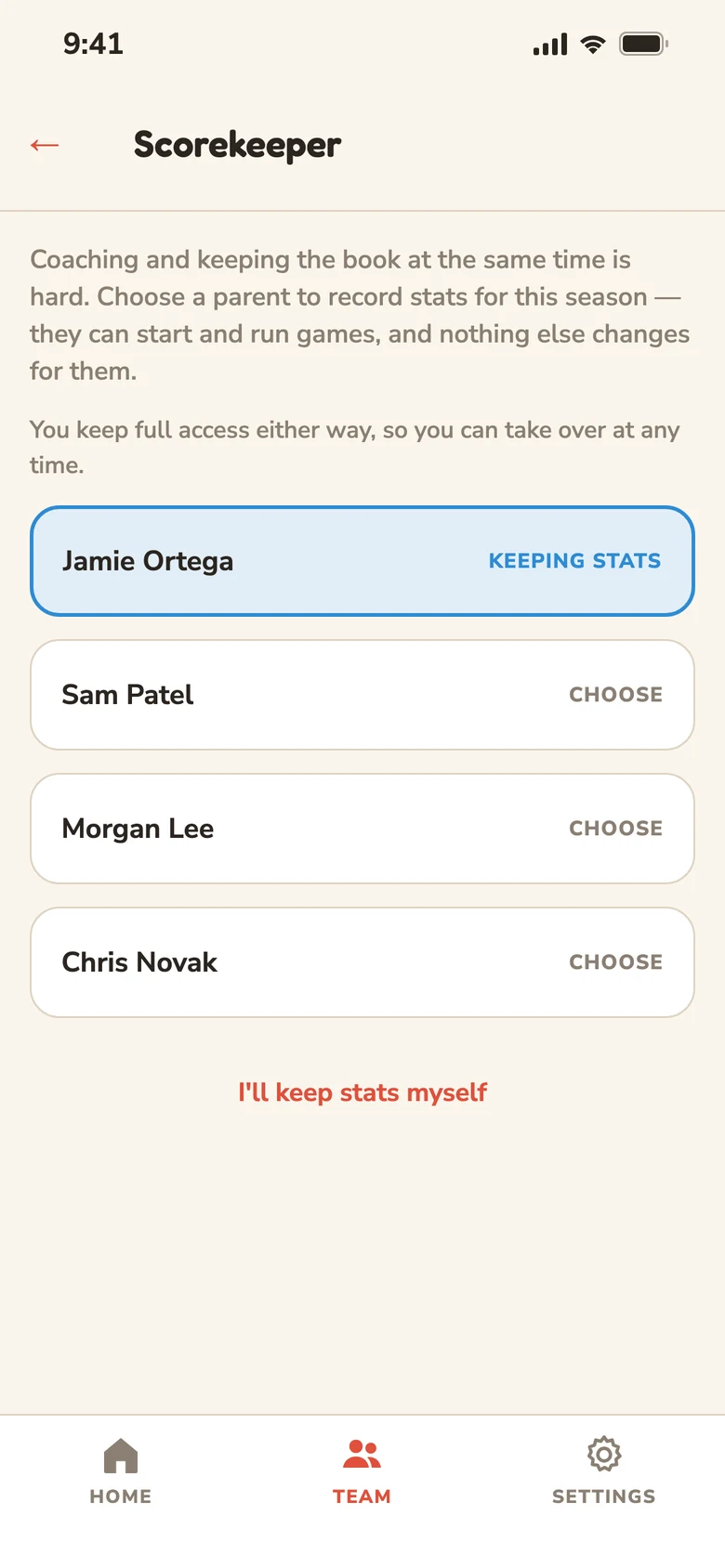
Scorekeeper
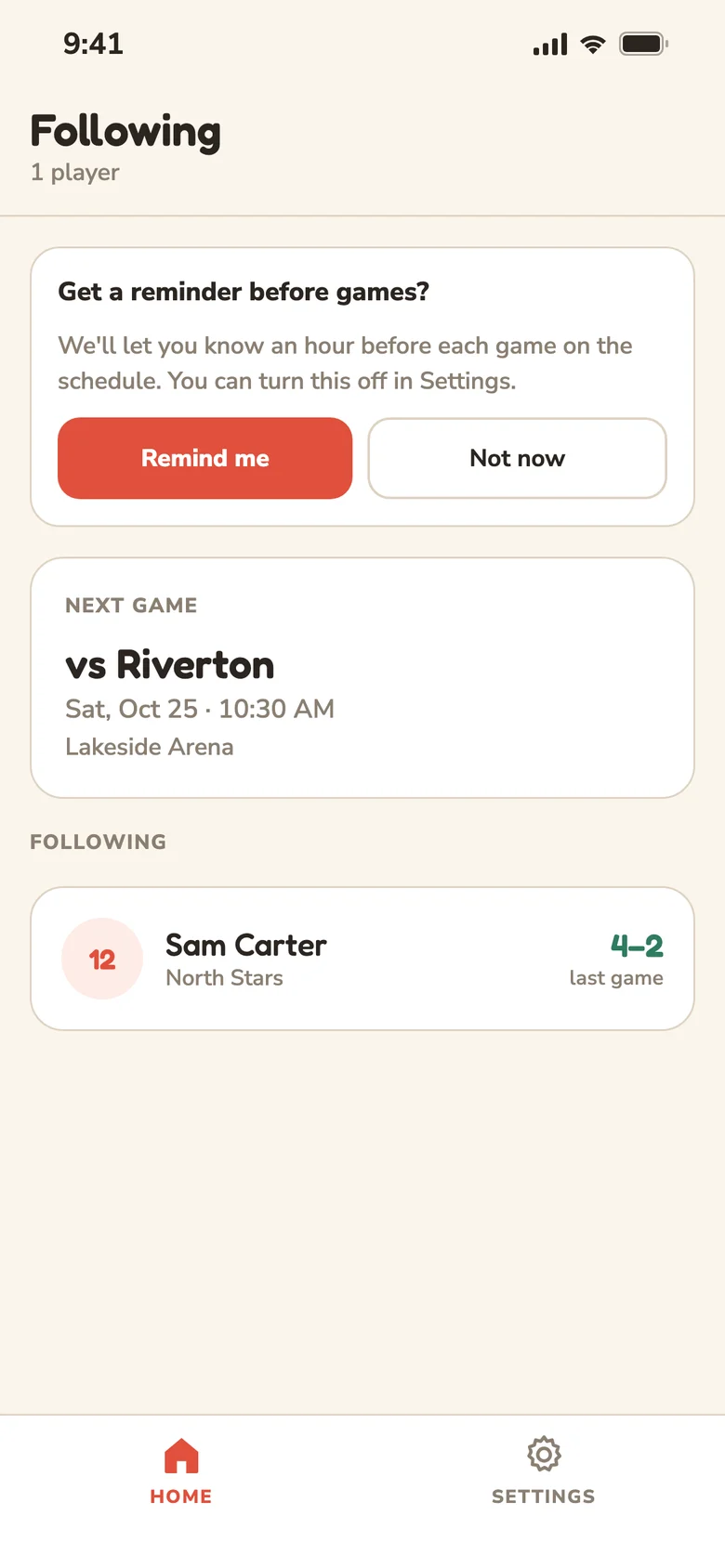
Game reminders
September 14, 2026
RinkTally is live on the App Store
Joining Google Play, RinkTally became available to hockey families on iPhone and Android. Live game tracking for coaches, player tracking for parents, and a way for family to follow along from anywhere.
Have an idea for what should come next? Tell us at support@rinktally.com, or from inside the app under Settings.